SeekHop

Website App Desktop: treat favorite sites as apps. Go straight there, look up what you see, save repeats as methods.

Discover already has over 10,000 website apps. Pick one and add it to your desktop with a click.

Your favorite sites, on one desktop.

Press the shortcut, click to go. Select text and take it along.

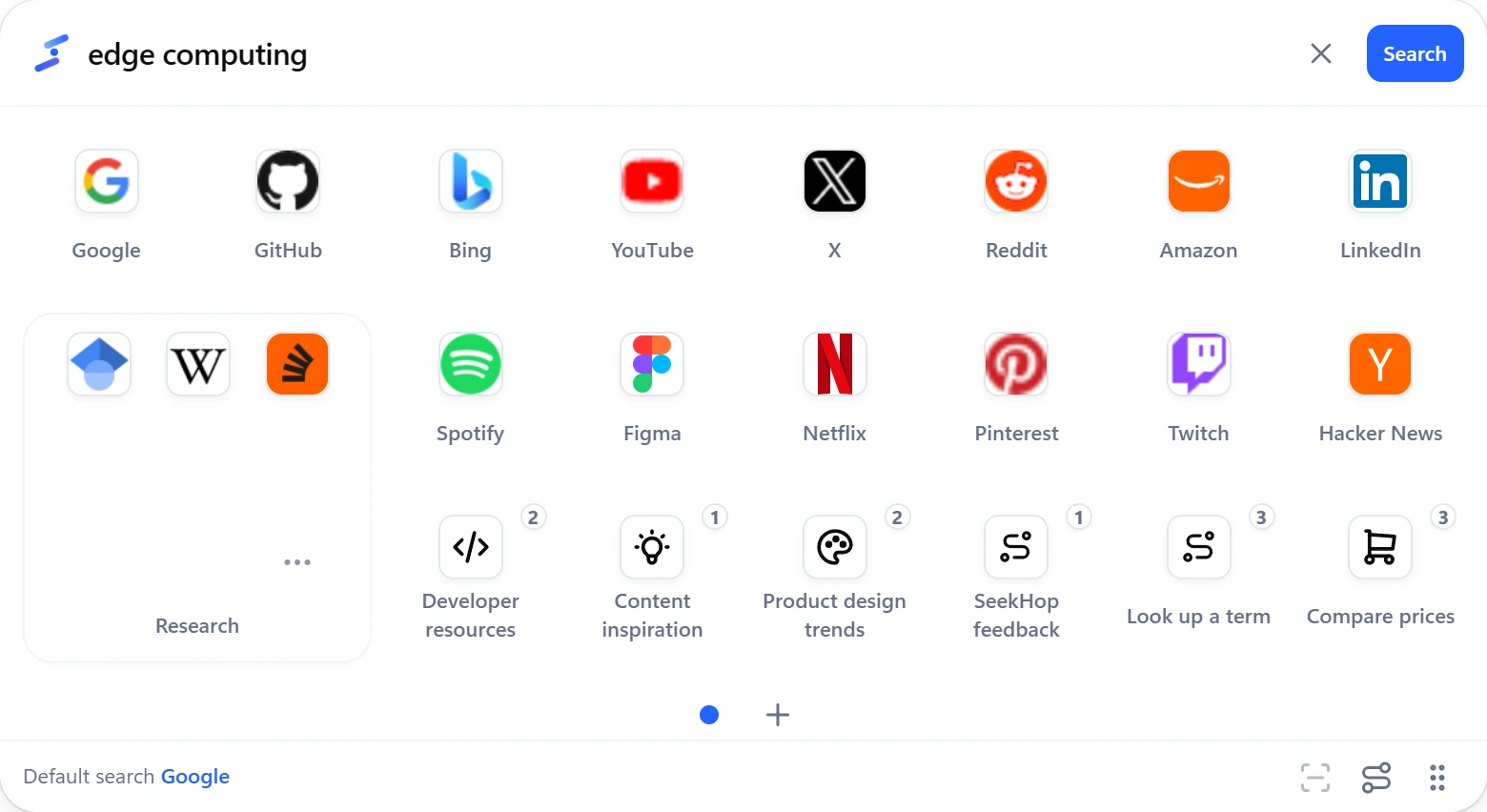
SeekHop Website App Desktop: selected text already in the search bar, with website app icons below

Three ways to use it.

  1. Go straight there

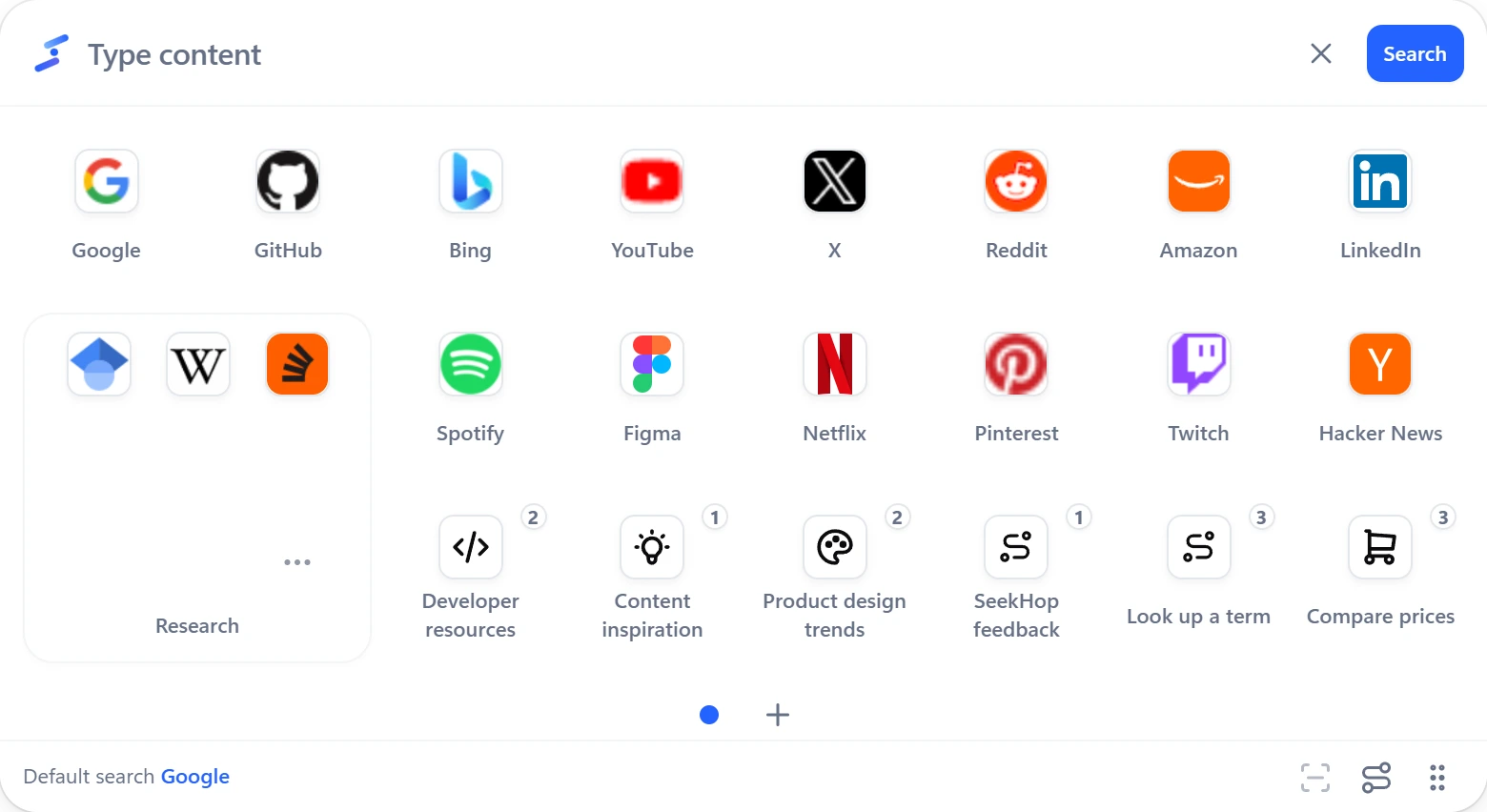
    Click an icon and the site opens. Nothing to type or remember.

    A tidy grid of website app icons on the desktop
  2. Select, then search

    Select text, press the shortcut, pick a site. Can’t select it? Capture it with screenshot OCR.

    Selected text already in the search bar, waiting for you to pick a website app
  3. Save what you repeat

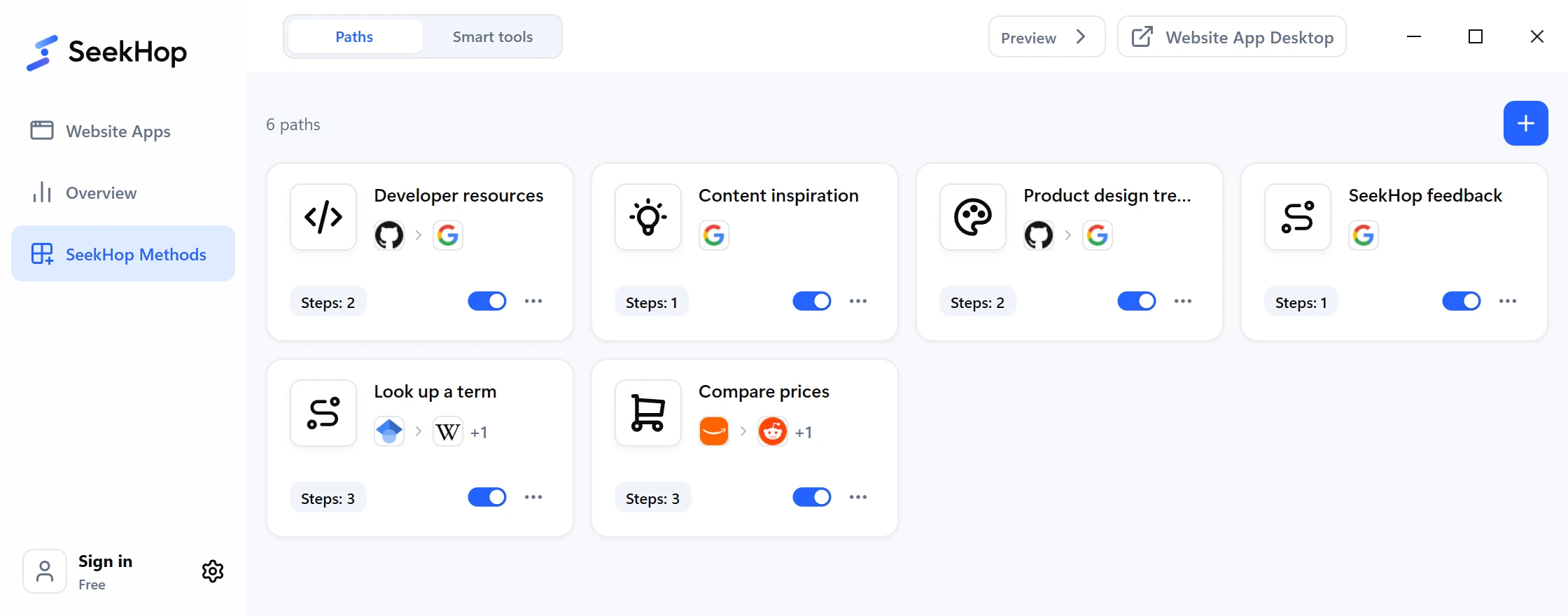
    Chain sites and smart processing into one method. Run it in one click.

    The Methods page listing a few saved methods

10,000+website apps to add in one click

Over ten thousand sites, one click away.

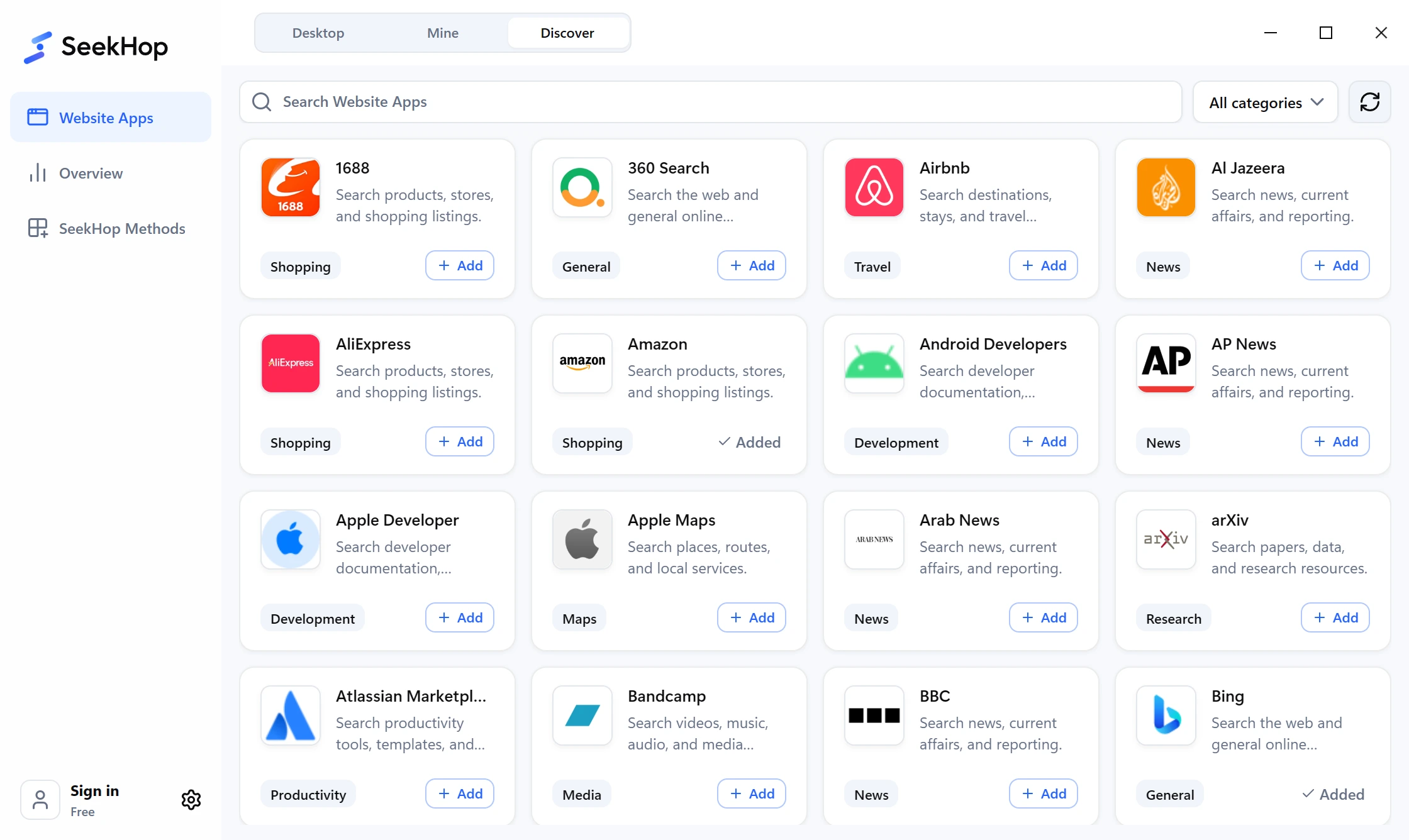
Discover has 10,000+ popular website apps. Add any of them to Mine with a click. Missing one? Paste a search results URL and add it yourself.

Discover: one card per website app, each with an Add button

What you type stays with you.

  • Nothing you type is saved

    Search terms, selected text and the clipboard are never stored.

  • Searches skip our servers

    Only the site you pick receives what you send it.

  • You choose where to go

    No ranking, no recommendations, no commercial deals that change your choice.

Read the privacy notice

Free is enough. Upgrade when you use more than one computer.

Free

Complete local use

  • Open, search, methods and Discover
  • No account needed

Plus

One desktop on all your computers

  • Website apps, methods and layout sync automatically
  • 20× the monthly allowance of Free

Plus isn’t on sale yet.

Common questions

What does SeekHop do?
SeekHop turns the sites you use into apps: open them directly, take what you’re viewing along, and save repeated steps as methods. It isn’t a search engine.
Is what I type or select saved or uploaded?
No. Opening and searching never go through SeekHop’s servers; the content goes only to the site you pick. Screenshot OCR sends only the area you capture, for recognition, and doesn’t keep it.
Do I need to sign in?
No. Only screenshot OCR, smart processing and multi-device sync (Plus) need an account.
Which systems and languages are supported?
Windows 10 / 11 (x64) and macOS 11+ (Apple silicon) are in testing, with no public download yet. The interface comes in 10 languages.


Start using it, then shape it to your own habits.

Want the test version first? Write to us.